The board
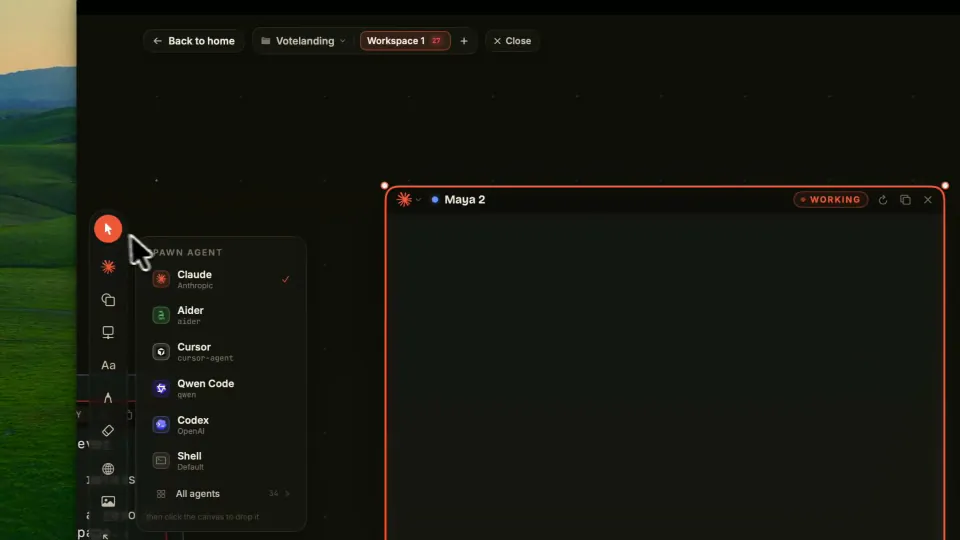
The canvas and everything you can place on it: notes, kanban, web tiles, ink, files and Git.
 SymvibeDocs
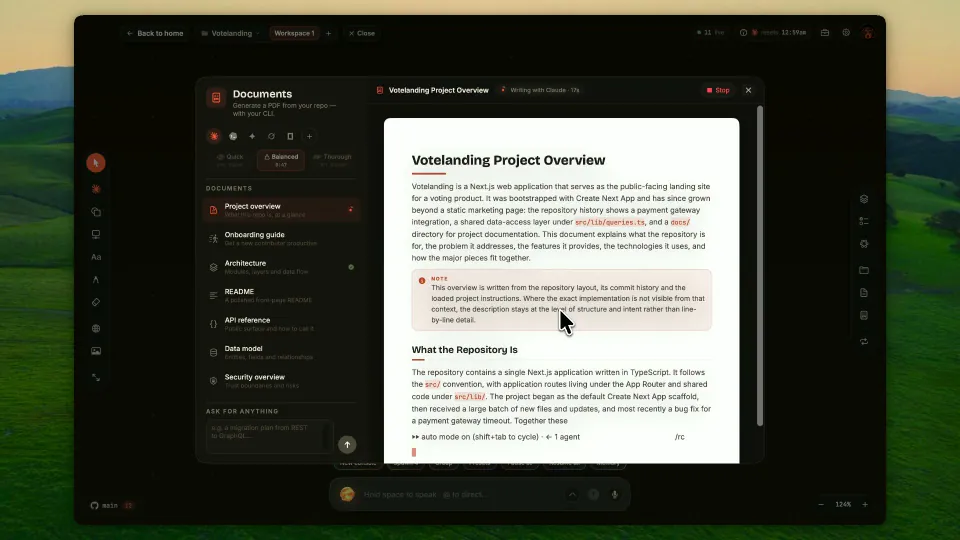
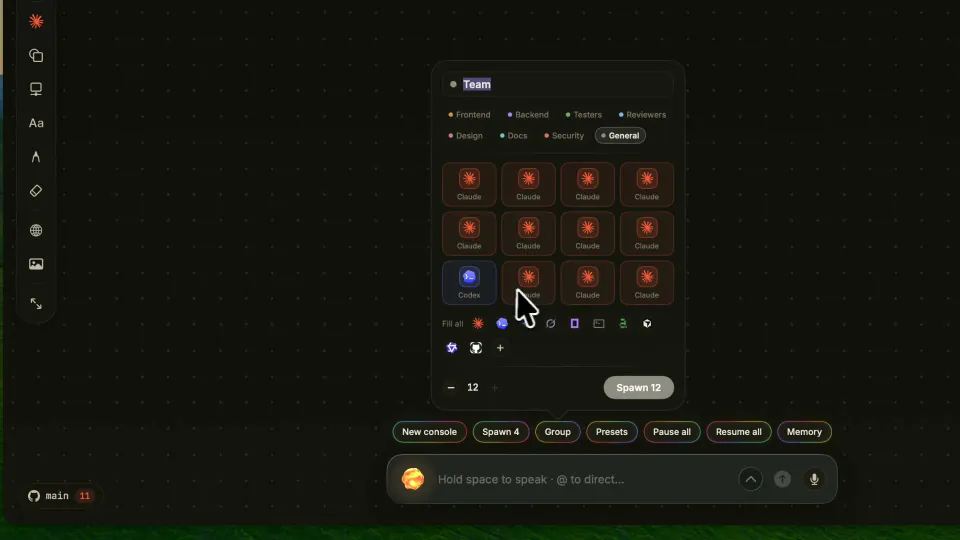
Install the app, put your coding agents on the board, then run them together: by voice, in teams, on loops and with studios that turn a repo into documents and diagrams.
New to Symvibe? These three pages take you from the download to a board with agents at work.
One section per part of the app. Each page says what a feature does, how to reach it and what to expect from it.
The canvas and everything you can place on it: notes, kanban, web tiles, ink, files and Git.
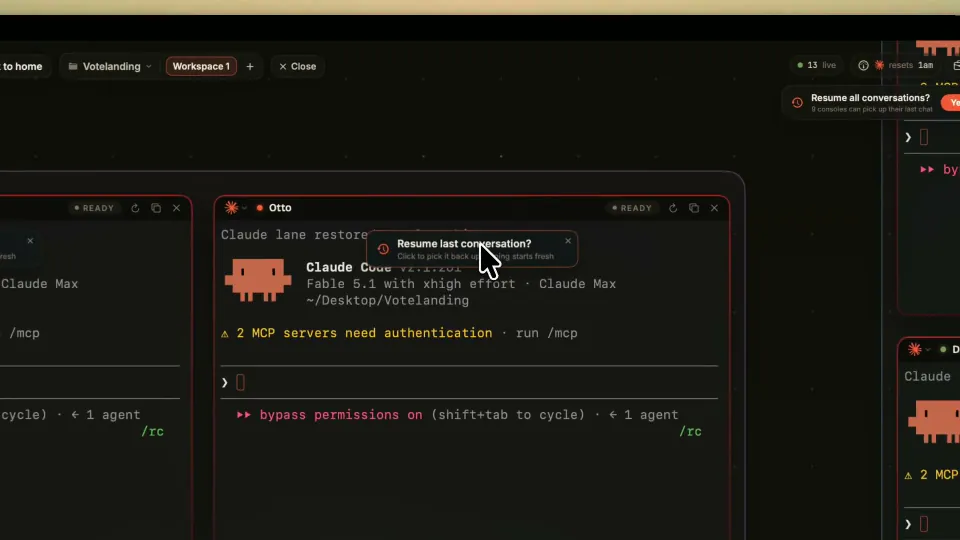
Real terminals running the CLIs you already pay for, with resume, live status and your own agents.
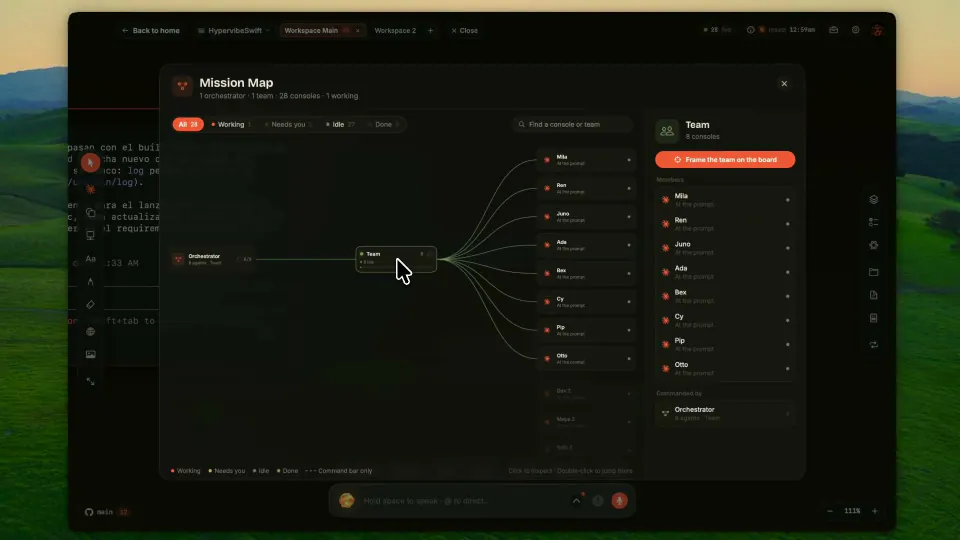
The command bar, voice, groups, the Mission Map, handoffs, loops and project memory.
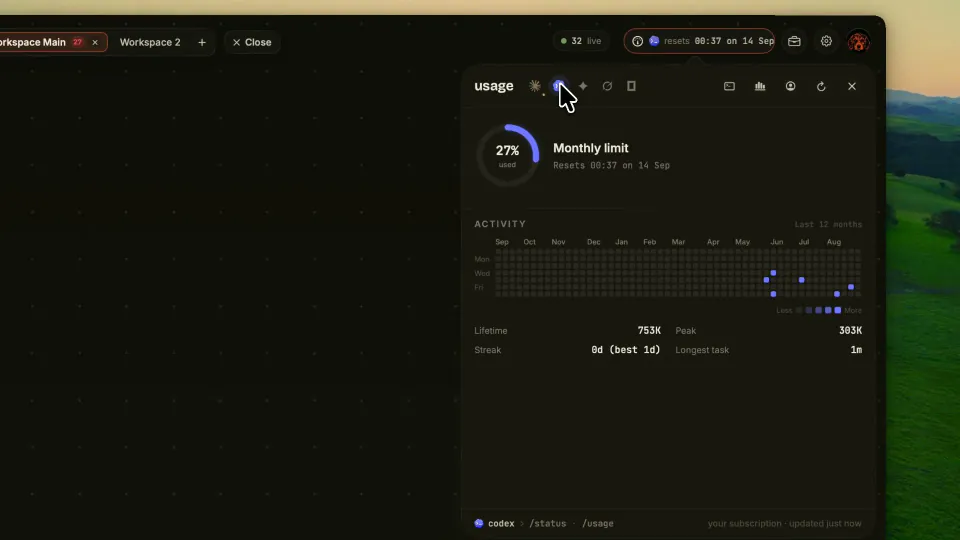
Your subscription and its credits, extra sign-ins for Claude Code and Codex, and how much your agents have used.
Shortcuts, commands, settings, where data lives, troubleshooting and questions.
Short pages to keep open while you work.
These pages describe Symvibe 1.0.46. If something here does not match the app, write to hello@symvibe.com or tell us in the Discord.